Amazon experiment report writing experience for internal teams

Project Overview
I led the 0->1 design of a new tool to streamline workflow
The product I worked on is called Weblab, an internal tool used by hundreds of teams to run multivariate experiments, test design variations on the Amazon shopping site, and make data-driven launch decisions.
When I joined this project, the experience of writing and reviewing experiment reports was broken — users had to jump back and forth between platforms just to write and review a report. After joining, I led user research, ran workshops with stakeholders, and conducted usability tests to build a new report writing tool directly inside Weblab. In the end, what was once a tedious and unverifiable process became Weblab's single source of truth for experiment decisions, giving experimenters a faster way to write reports and giving Bar Raisers the confidence to approve launches quickly.
Design Solution
Generate credible experiment reports with minimum manual work
Create a report through a 3-step wizard
Users select the treatment variation they're launching, write their decision rationale, and review the report before submitting.
Input metric data into the report with just 1-2 clicks
Metric data for the variation being launched is displayed in a side panel for quick reference while writing. Users simply select the data they need, and a complete sentence is auto-generated and inserted without having to manually put one together.
Build a data table for easier communication and review.
Users can quickly assemble a comparison table across all variations. Simply select the variations, metrics, and dimensions, and the system generates a clean data table directly from the official experiment data.
The impact
The new tool fixed a broken workflow and turned the platform into a source of truth
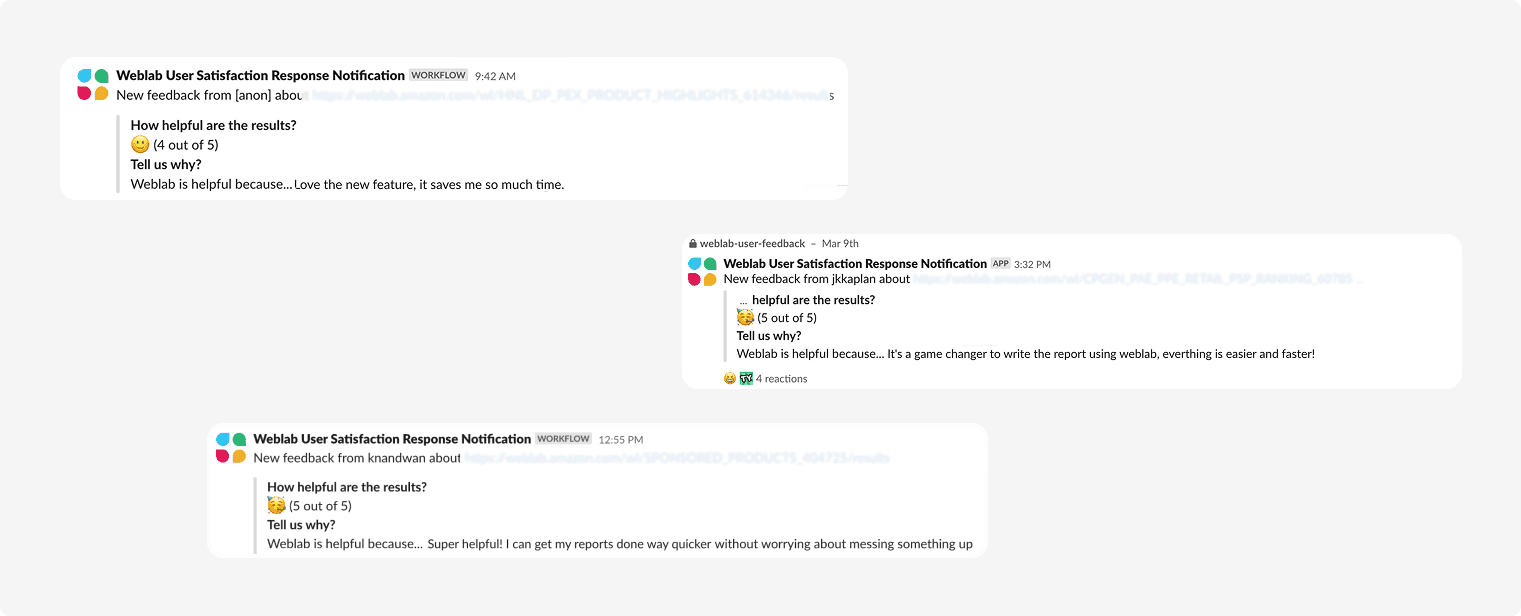
After designing this feature from 0 to 1, it launched to strong positive feedback: experimenters saw a significant cut in their reporting time, and Bar Raisers found audits far easier to complete. By bringing experiment results directly into the tool, Weblab also became the single source of truth for experiments, giving users one reliable place to track and manage their experiments going forward. This also set a strong foundation for what we wanted to build next — using teams' launch decisions to power launch recommendations.
My role
Solo UX designer
Duration
Jan - Mar, 2024
Tools
Figma
Team
1 PM, 2 Engs, 2 Data Scientists
Speaking to users
Writing reports was tedious, trusting them was even harder
After kicking off the project with PM, the first thing I did was to go back through past user surveys and found that many users complained the process of writing experiment decision reports was struggling and time-consuming. To pinpoint exactly where the pain was, I interviewed both roles in this workflow, the experimenters who write the reports and the Bar Raisers who review them. I found that the main pain point for experimenters was the tedious, error-prone process of manually copying and cross-checking data from a separate tool. For Bar Raisers, the main pain point was the lack of a quick way to verify whether the numbers in a report were trustworthy, making it hard to approve launches with confidence.

Key design decision (1/2)
How might we help experimenters reference metric data effortlessly?
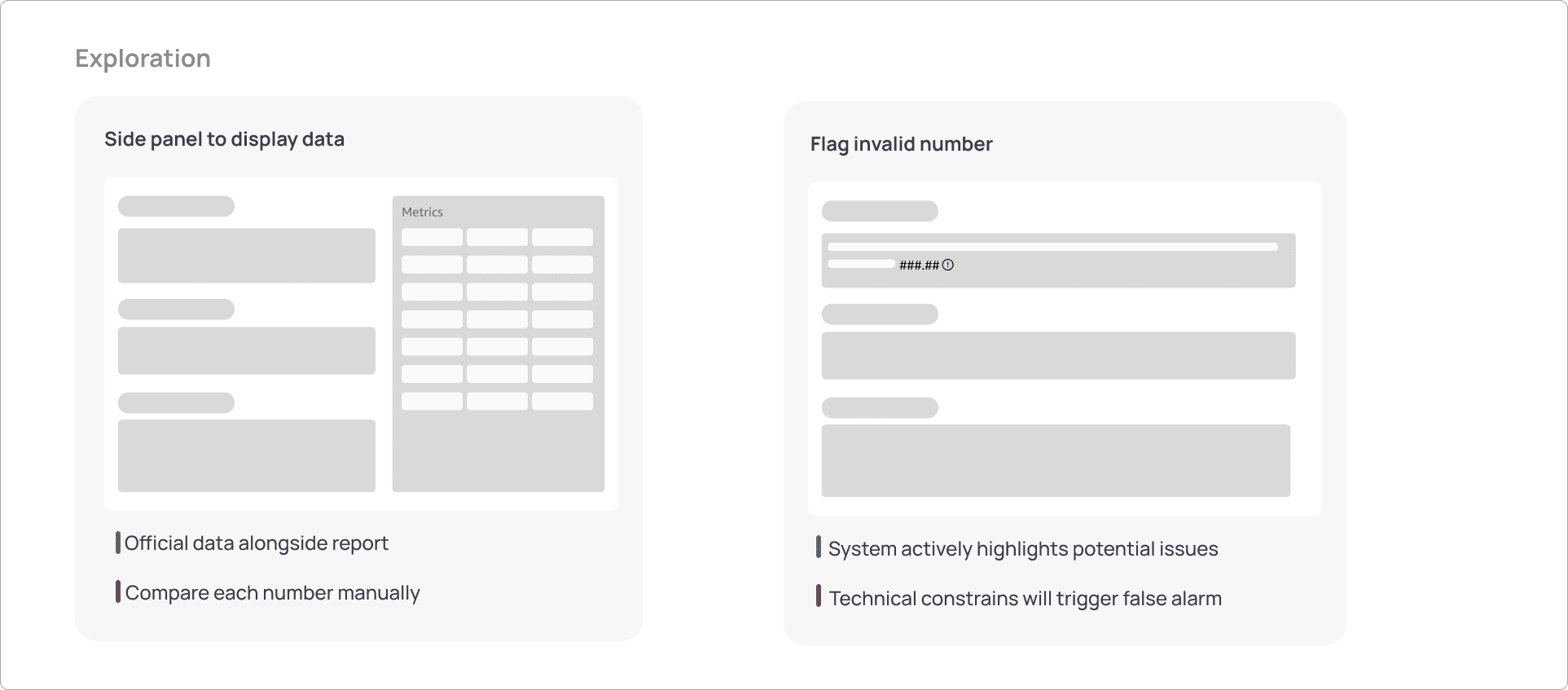
The No.1 question to solve was how to help experimenters easily input experiment data as needed. Previously, users had to jump back and forth between two platforms to extract the data they needed and paste it in manually. Now that report writing lived inside Weblab, that core problem still remained — how could we help them quickly insert the exact data they needed into the report? I brainstormed and explored a few different directions to solve this.


Key design decision (2/2)
How might we support bar raisers to identify credible data?
Weblab usually recommends teams use a 4-week measurement window, since that data most closely aligns with real post-launch performance. But if the 4-week numbers didn't look great, some teams might quietly shorten the window or pick a custom range that happened to look better. So the problem Bar Raisers were facing was that they had no easy way to catch it. Solving this meant designing for both sides of the workflow: the writer and the reviewer.